The Design Process: Defining the problem (part 1)
- Miss. Tina
- Nov 18, 2022
- 3 min read

Updated: Dec 2, 2022
Earlier this year, I undertook a project to redesign the interface of a help site for an e-commerce shopping site. My team and I were in charge of the entire design process including research, design, prototyping, and testing. After having complete this project, I've learned a lot. If I could go back in time, what would I tell the past me?
The "design process" is important, and it's not rocket science.
The design process are the steps you will undertake when designing UX solutions for your users.
The steps to the design process is simple:
Define the problem: Understand your users. Understand their problems.
Design/Prototype: Design and create a prototype of the solution.
Test/Analyze: Test whether your solution solves the problem. If you test enough users, you can analyze the results to find patterns-- people think more similarly than you think so patterns always appear. Trust the process.
Improve/Iterate: Improve the solution based on user feedback by repeating step 2 and onwards.

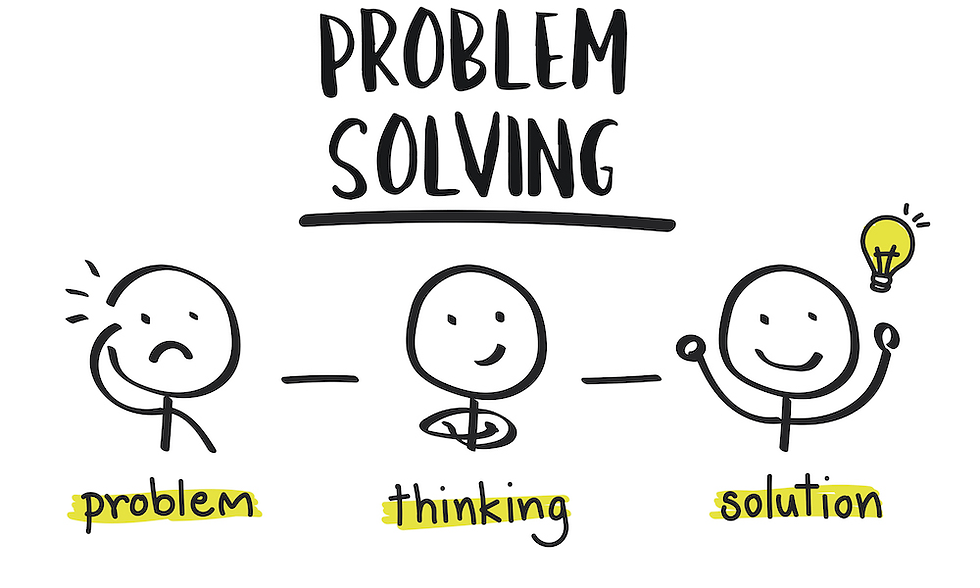
Defining the problem
Before you can start designing a solution, you must define the problem and explore the human context. Is the interface of your website too complicated? Could accessibility elements of your website be improved? Are the buttons intuitively labelled? These can all be problems that you need a solution for, but in order to recognize the problem, you have to conduct research :)
Past me, you should have allocated more time asking different users, other than your team members, about their experience with the website before you designed a new solution.
What is UX research?
UX research is the systematic study of your users, their needs, and wants, so that you can create realistic solutions.
How do I start doing UX research?
You can do 2 types of UX research: attitudinal research, and behavioral research.
Attitudinal: This is what your users have to say, or their attitude about something. By listening to your users, you gain insight into their thought process.
Attitudinal research can be done through interviews. This is just a fancy term for "asking questions"). You can ask close-ended or open-ended questions but beware, open ended questions take more time especially when you have chatty participants. There's also focus groups, or "asking questions to a group of people that represent your ideal user". This might not be as effective due to group think bias.
A few examples of questions you should be asking your participant when undertaking attitudinal UX research can include:
Did you think the website was easy to navigate and why?
Can you tell me why you clicked this icon?
Can you tell me what you were expecting when you clicked this button?
Do you think the website could be improved, and how?
Behavioral: This is what your users actually do by observing them (with consent). By observing your users, you learn how they really interact with your website, and if done among many users, will allow you to track patterns.
Behavioral research can be done by performing usability tests (a fancy term for "asking users to test a website by performing specific tasks"), field observational studies (or "watching how a user interacts with the website"), and A/B testing (or "assigning participants to test one of two versions of the same website to determine which one nets better results").
Tips! You may also use tools like eye tracking (like gazerecorder) and heatmaps (like Hotjar). These tools can be used to analyze a user's click, tap, and scrolling actions across the website. I'll admit this sounds creepy but can be helpful when you're doing virtual research.
Questions you should be asking yourself when observing your participant can include:
Are they scrolling up and down?
Do they look confused?
Are they interacting with the website in unexpected ways?
Are they clicking or tapping the wrong icons?
I've collected data, now what?
So you've done your interviews and usability tests and understand the gist of what your users' problems are. Now you can start designing a solution for it!


Comments